The Household Mechanic Hack: Automating Your Bike Maintenance Alerts
If you're anything like us, you want to spend your time riding your bike, not squinting at your odometer trying to remember when you last serviced your suspension. That's why we built our automated tracking system to begin with—to do the math for you.
But let's be honest: in many families, households, or riding groups, the person racking up the miles isn't always the person turning the wrenches.
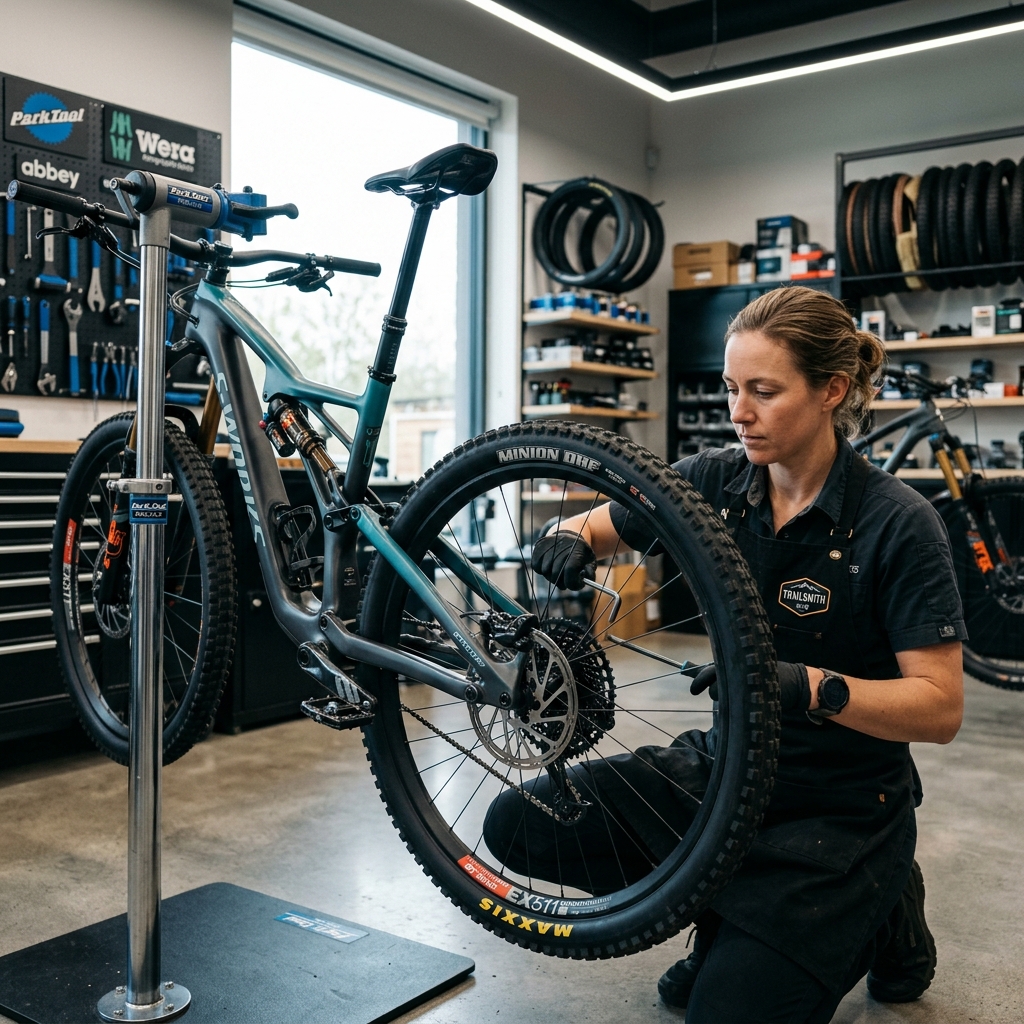
Maybe your partner is the designated "household mechanic." Maybe you rely on an awesome local bike shop mechanic who likes to stay ahead of the curve. Or maybe you're managing a fleet of bikes for your ambitious kids.
Enter our newest quality-of-life feature: "CC Maintenance Alerts".
What It Is
Head over to your User Profile, and you'll spot a brand-new field: CC Maintenance Alerts To.
This allows you to punch in a secondary email address (say, your mechanic partner's email). Whenever your bike hits a critical service milestone and an automated alert is generated, a copy of that exact alert is instantly forwarded to the CC'd email address.
Why We Built It (And Why You'll Love It)
1. The "You Ride, I Wrench" Dynamic
Got a significant other who lovingly maintains your drivetrain while you're busy crushing Strava segments? You no longer have to play the messenger. When your Fox 36 fork needs its 50-hour lower leg service, your household mechanic gets the email at the exact same time you do.
2. Proactive Local Bike Shops
If you have a tight relationship with your local bike shop, you can set this to their service department email. By the time you drop your bike off, they might already have the exact brake pads or seal kits on order! Disclaimer: Be sure to ask your shop before subscribing them to your automated alerts!
3. Family Fleet Management
If you're the one managing the bikes for your kids or spouse, have them set your email in their CC field. You'll get a master feed of exactly what maintenance needs to happen across the entire family fleet, right in your inbox.
How to Set It Up
It takes less than 10 seconds:
- Log in and navigate to your Profile Settings.
- Scroll to the new "CC Maintenance Alerts To" input box.
- Enter the email address of your designated mechanic.
- Hit Save changes.
That's it! Your mechanic will immediately be in the loop, your bikes will run smoother, and you'll have one less thing to worry about before your next ride.
Got feedback on what features you want to see next? Hit the Support page to let us know!